
Summary
- Lower power draw matters in the long term: Pi sips power compared to a NAS, saving on energy costs.
- Keeps storage and security separate: isolating firewall on Pi avoids conflicts, maintains stable performance.
- Easy to re-flash, upgrade, or swap: Pi setups are quick to reset and experiment with different tools.
When I decided to tighten up my home network security, I had to choose between using my NAS or a Raspberry Pi as my firewall. While both are powerful tools in their own right, I quickly realized that the tiny Raspberry Pi offered some particular advantages for this job. It gave me more flexibility, used fewer resources, and didn't interfere with my core storage services. Here’s why I stick with a Raspberry Pi whenever it comes to deploying a firewall.

7Lower power draw matters long term
A Raspberry Pi sips power compared to a NAS


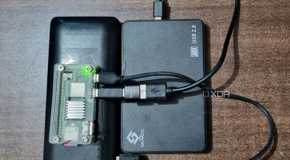


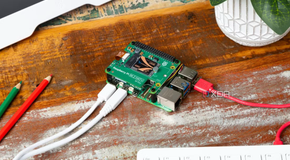
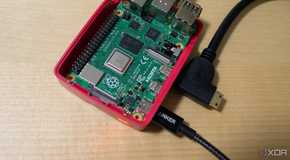
One of the first things that drew me to using a Raspberry Pi was its incredibly low power consumption. Like my DNS server, my firewall needs to run 24/7, so using something that doesn’t increase my power bill made sense. My NAS is already doing a lot, from backups to media streaming, and adding a firewall would increase its energy load. The Pi uses just a few watts even when it's handling active traffic filtering.
Since the Pi doesn’t need a spinning disk to operate as a firewall, I run it headless on a microSD card or a small SSD. There’s no risk of burning out moving parts or wasting energy. That simplicity works in my favor, making the Pi an ideal standalone device for network defense.
6Keeps storage and security separate
Firewalls and NAS tasks conflict under load


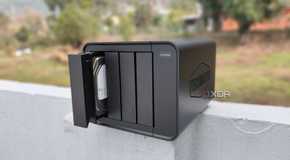
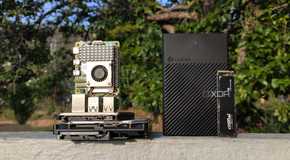

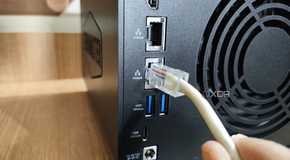
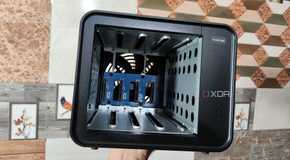
My NAS handles media sharing, large file transfers, cloud syncing, and backups. These tasks sometimes spike CPU or memory usage. If a firewall is running on that same system, it can’t always keep up when heavy network activity occurs. That’s a bad time for a firewall to be lagging or failing to enforce rules.

By isolating the firewall on its own Raspberry Pi, I maintain stable performance across the board. The Pi doesn’t care if the NAS is struggling with a massive Plex transcode or syncing my entire photo library. It continues to monitor traffic, blocking what it should, and logs activity without interference.
5Easy to re-flash, upgrade, or swap
Raspberry Pi setups are simple to reset


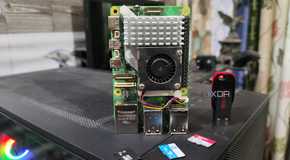


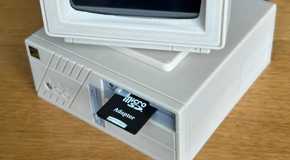

One of the best things about a Raspberry Pi firewall is how quickly I can rebuild it. If I want to upgrade the OS or try out a different firewall tool, I just re-flash the microSD card. There’s no complicated dependency on other running services, and nothing critical is at risk. I can make changes in minutes and boot back into a fresh configuration.
That flexibility also lets me experiment without fear. I’ve tested OPNsense, iptables, and Pi-hole all on the same Pi at different times. If something doesn’t work or causes problems, I just restore from a backup image. The small footprint of the Pi makes cloning and version control a breeze.
On the other hand, a NAS often contains carefully managed data and configurations. Any mistake there could be costly or time-consuming to fix. I’d rather break a Pi configuration than accidentally trash my RAID array or lose access to my archives.
4Frees up the NAS for core tasks
Letting the NAS focus improves reliability


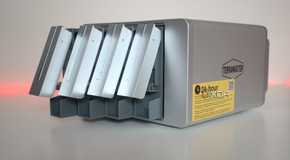
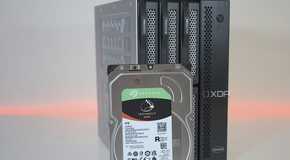
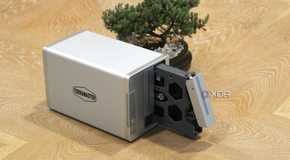

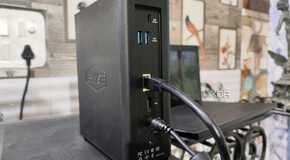
By pushing the firewall role onto a Raspberry Pi, the NAS can stick to what it does best. It doesn’t need to inspect packets, scan for malware, or enforce network-level policies. Offloading improves overall performance, reduces crashes, and prevents the system from becoming bogged down.
Since making the switch, I’ve noticed fewer timeouts and less lag in services like Plex and Nextcloud. Even when I’m running a heavy rsync backup or transferring gigabytes of files, the firewall on the Pi keeps working without affecting throughput. That kind of smooth operation is precisely what I want from my network setup.
3Easy to keep offline backups
Firewall configs are small and easy to store


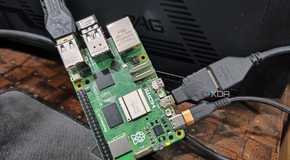


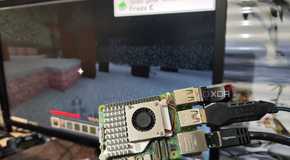

Backing up a firewall configuration on a Raspberry Pi is surprisingly easy. The entire system fits on a small microSD card or a USB drive, so I just clone the card and set it aside. If I ever mess up settings or need to roll back, I pop in the spare, and I’m back in business. There’s no need for complicated snapshot systems or off-site storage solutions.
This level of portability and backup simplicity is hard to beat. With my NAS, backups are big, slow, and require careful verification. With the Pi, I just write an image and label it. If disaster strikes, I have a working copy ready to go.
2Lower attack surface overall
A simpler system is harder to compromise


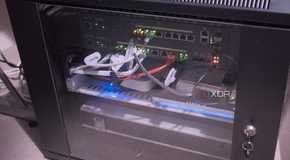
Security is one of the biggest reasons I use a dedicated Raspberry Pi firewall. Because it only runs one task, it exposes fewer services and opportunities for attackers to gain access. There are no database ports, file shares, or user accounts beyond the essentials. That clean design makes the Pi much harder to exploit.
With a NAS, I constantly update services, manage user permissions, and juggle remote access options. Each one introduces a new risk. Running a firewall alongside all of that would mean locking down dozens of vectors and hoping I don’t miss something.

1It’s easy to expand with more tools
Add features without disrupting the core


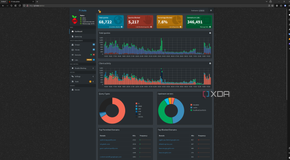
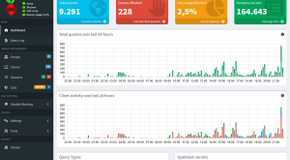
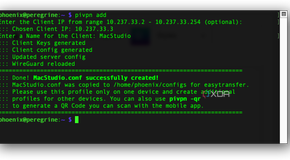
The Raspberry Pi’s flexibility allows me to extend the firewall beyond basic filtering. I’ve added features such as ad blocking with Pi-hole, threat detection with Suricata, and even a simple VPN tunnel using WireGuard. All of this runs smoothly on the Pi and integrates seamlessly with the firewall’s core functionality.
Each added feature lives in its own service or container. If I want to disable something, it won’t take the whole network down. I can tune or update parts of the setup without interfering with my NAS or desktop systems. That modular approach gives me room to grow without adding risk.
My NAS, by contrast, is already running close to its limits some days. Trying to bolt on security tools just invites instability. With the Pi handling it instead, I get a more secure and feature-rich firewall, as well as a healthier storage environment, all at the same time.

Comments
Post a Comment