Why I bought a 16TB HDD instead of an 8TB SSD


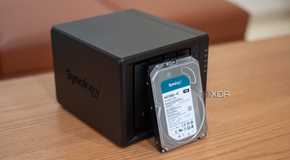
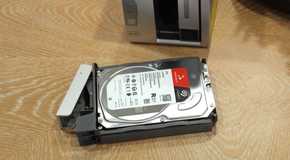
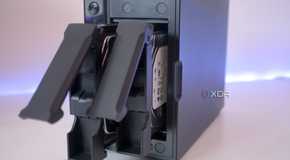
When shopping for new storage drives, you can choose between a hard disk drive (HDD) and a solid-state drive (SSD). Both have advantages and drawbacks for storing data inside PCs, servers, network-attached storage (NAS), and other hardware. I needed to expand (and replace) my storage pool in my primary storage device, and I ended up opting for a few 16TB HDDs rather than moving into 2025 with an all-SSD array.

The SSD is the better option ... mostly

Faster speeds are met by higher prices

An SSD is my go-to recommendation for anyone looking for a boot drive or somewhere to stash local files on a desktop or laptop PC. It's also what I would typically use inside a server to run Docker containers, virtual machines (VMs), and build wacky systems for doing countless tasks, but when it comes to long-term storage, nothing beats the hard drive. Like many of my esteemed colleagues, I opt for mechanical drives to store lots of data.

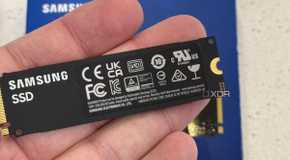
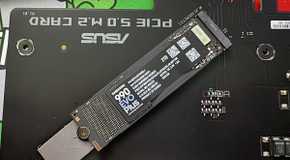
But what if you're not planning to save too much data? An SSD (or a few) can make more sense. You'll see more hardware launches from NAS brands such as Asustor and Synology that focus on SSD storage, and that's because they can last longer when treated well compared to mechanical drives. An SSD has no moving parts and therefore only really has wear on the internal components through writing, due to how the technology works. The less you write to the drive, the longer it should last.

Other factors can affect the longevity of an SSD, of course. This includes heat, not having adequate cooling within the system, writing too much data to the drive (most SSDs will have endurance ratings), and unexpected power losses. An uninterruptible power supply (UPS) should almost always be present and connected if you're running NAS or building out a home lab. These can trigger hardware failures that could result in data loss.

Related
Adding an SSD is the best upgrade for an old PC to improve its performance

Speed up your aging PC by adding a new SSD.

Why buy HDDs over SSDs?

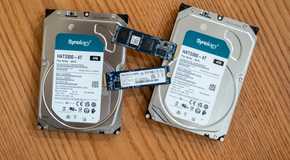
The primary reason for me and many others to continue purchasing hard drives is cost. These units are notably cheaper than SSD counterparts, with some models coming in at $0.02 per GB of storage space — and that's for server (or NAS) grade hardware too. Then there's capacity. SSDs have grown in size over the years, but you'll still need to spend the big bucks and pick up enterprise-grade storage to store any more than 8 TB of data per drive.

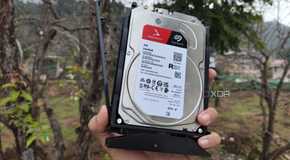
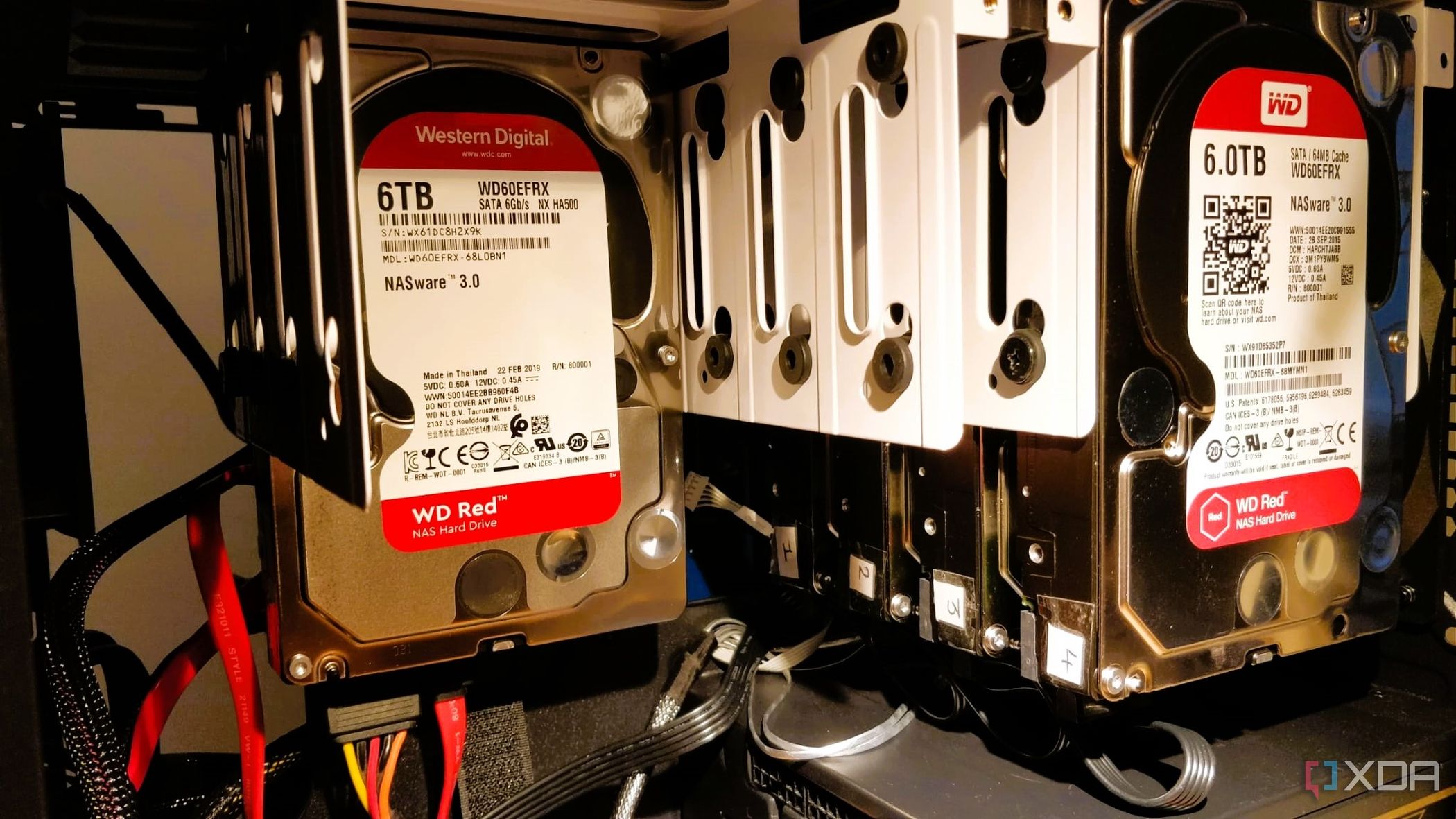
That's simply not the case with hard drives, which can be found in capacities ranging from just 1 TB to 24 TB for NAS. Picking up a 16 TB drive allows me to configure a RAID for local data protection without using all available drive bays. Going with larger drives also means the storage pool can be considerably larger when all bays are populated with drives, compared to using an array of 8 TB SSDs. There's also the case that you don't typically need SSD speeds.

A NAS or home server will have up to two 1Gb or 2.5Gb ports, which can be easily saturated with heavy file transfer requests and a mechanical drive. These bulky spinners may seem slow with just 550 MB/s compared to the fastest PCIe 5.0 NVMe SSDs, but that's more than enough for a 100 MB/s LAN connection. Even moving up to 10 Gb may not show much benefit moving from HDDs to SSDs, but this depends entirely on your LAN and how you use data.

For me, it makes more sense to stay with mechanical drives for now. And replacing drives in TrueNAS, which just so happens to be my primary storage NAS OS, is straightforward enough that larger HDDs can be rotated in without causing much fuss. That said, even if you're running premium drives and have a RAID configured, you should always consider following the 3-2-1 backup strategy to ensure you're adequately protected against data loss. Drives can fail ... even SSDs.

Noise and heat could be a factor in option against HDDs, especially when using multiple units inside devices near where you work. That's not the case for me since all my equipment is in racks inside the garage. It's handy since we don't need that room to be quiet, and there's ample airflow to aid with keeping all the systems cool.
Related
6 reasons I'm buying HDDs, not SSDs

I need terabytes on terabytes, which has a terrible cost.

I'll make the switch ... eventually

SSDs are the future, but there's also a case for HDDs. While technology continues to advance, we'll likely be at a point where more SSD capacities will be readily available for consumers, but we're not quite there yet. I'll happily make the switch to SSDs once capacities increase, endurance improves, and costs continue to fall. I can't justify more than $300 for an 8TB SSD when that same budget could fund multiple HDDs of the same size.

Comments

Popular posts from this blog

Starlink is only for the rich or for big offices!" — that’s what many people think

  "Starlink is only for the rich or for big offices!" — that’s what many people think. But actually, that’s not true. With a little effort and some smart planning, even ordinary people in villages — shopkeepers, rickshaw pullers — can use this high-speed internet if they come together as a group. How is it possible at such a low cost? Let’s break it down: Starlink’s monthly bill is around 4,200 to 6,000 BDT. That may seem expensive for one person, but if 20 to 25 people share the cost, it becomes very affordable: Monthly cost per person (if 20 people share): 4,200 ÷ 20 = just 210 BDT! One-time setup cost (dish, router, etc.): Around 50,000 BDT (only paid once) So even a rickshaw puller could use high-speed Wi-Fi by paying just 200–250 BDT per month! Here’s how it works, in simple steps: 1. Install the Starlink dish in an open space with a clear view of the sky. 2. A cable runs from the dish to the Starlink modem. 3. The modem is connected to a Wi-Fi router. 4. The ...

Level Up Your Code: Discover 2025's 10 Leading AI Assistants for Coders

  In 2025, testing software isn't just about finding bugs — it's about working smarter. With the rise of powerful and accessible AI tools, Vibe coders now have the opportunity to test faster, more efficiently, and with fewer headaches. AI testing tools are driving this transformation. These tools go beyond basic automation — they can detect edge cases, write test scripts, debug in real time, and even suggest fixes or improvements. In this list, we’ll explore the top 10 AI testing tools every modern developer should know. Whether you're coding a quick prototype or managing a large-scale project, having the right AI assistant in your workflow can make a huge difference. That’s why we’ve put together this list of 20 must-try AI coding agents. From full-stack builders to browser automators and IDE companions, these tools are shaping the future of development and you’ll want to know about them. Build APIs Faster with  Apidog  Say goodbye to tab-switching. If you are working wi...

5 Great Linux Utilities to Monitor Your System Resources in the Terminal

  Although the standard Linux utilities have served us well over the years, in some scenarios they fall short. If you've ever found yourself writing a one-liner to poll a command or struggling to parse a badly formatted table, then it's a clear sign that the tools at hand are lacking. What you need are better tools; what I have are better tools—five that will make your Linux life easier. 1 NCurses Disk Usage (ncdu) To view the sizes of directories, du is a solid choice, and it's generally the first pick for most people. However, it lacks exploratory capabilities. A few times a year, my system complains to me that it's running low on disk space, and I find myself exploring the file system to manually delete large directories of accumulated garbage. This is where du lacks, and where ncdu shines. With its simple interface,  ncdu provides blazing-fast exploration to size up directories . Those familiar with Vim will feel at home because it uses Vim keys for navigation; tho...